

Allen and Heath CQ Series Video Tutorial (CQ-12T, CQ-18T, CQ-20B)
Description
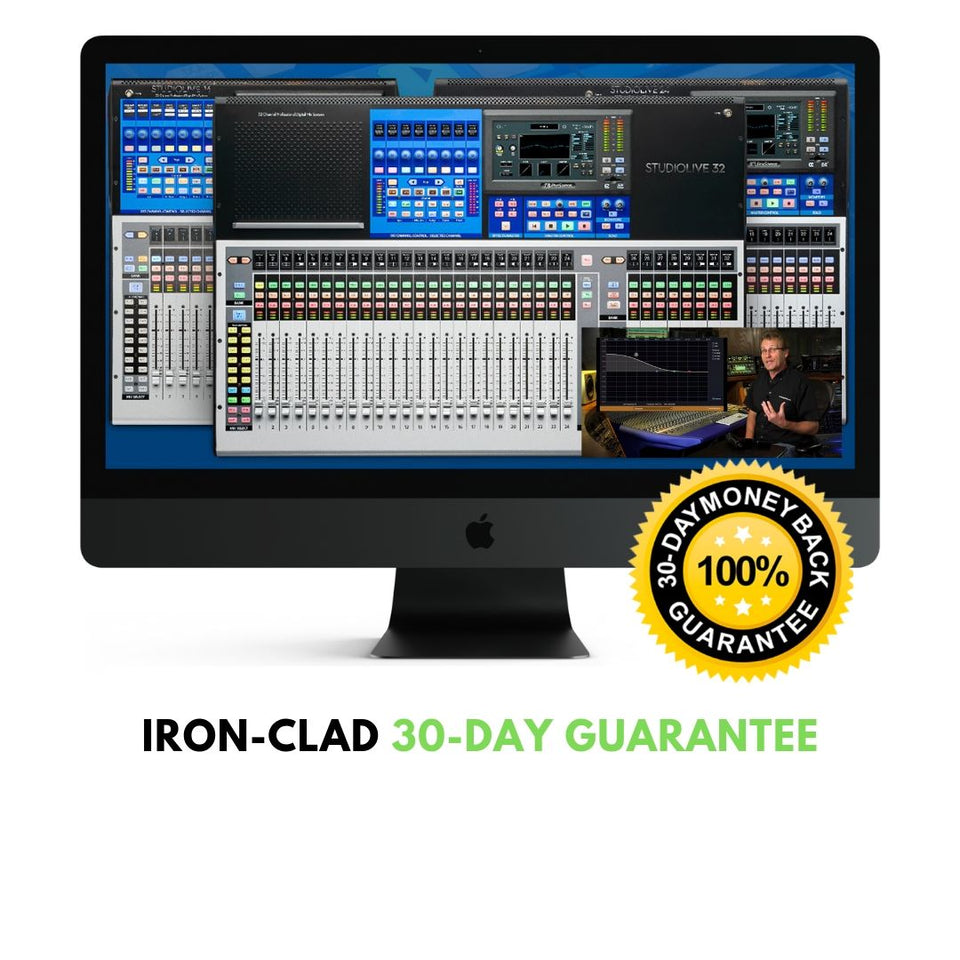
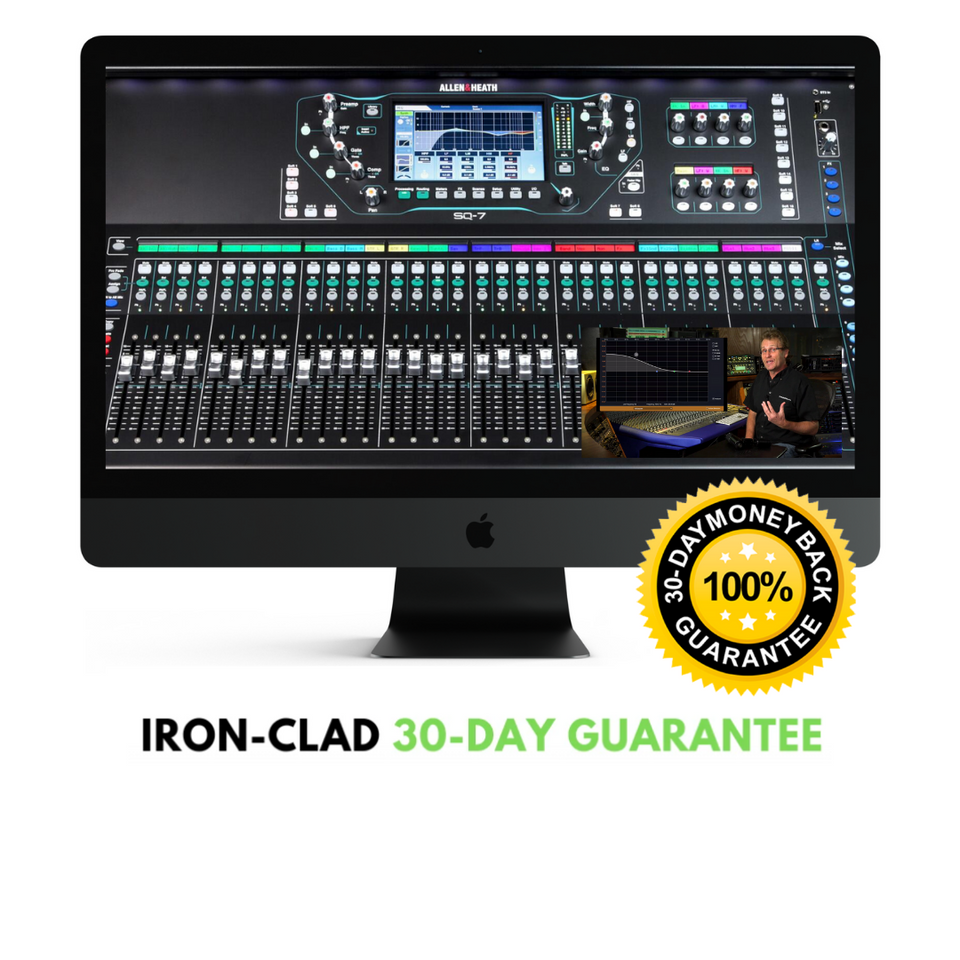
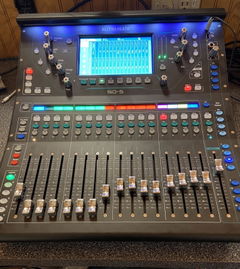
Learning how to take your Allen Heath CQ mixer (CQ-12T, CQ-18T, CQ-20B) to the next level has never been easier thanks to the official Allen Heath CQ Series Video Tutorial.
ProAudioEXP.com's David Wills spends over 2 hours walking you through every feature of the Qu Series Mixers' workflow from Input Channels to Advance Routing with DCA groups and everything in between. Mixing 101 in the training uses easy to understand animations to teach you how a mixer works and how to use subgroups, EQ, Compression, Effects, Sidechains and Monitor Mixes...everything you'll need to know so you can mix like a pro.
If you have been getting frustrated trying to learn your CQ-12T, CQ-18T or CQ-20B from just using the manual, then sit down, grab a cup of your favorite beverage and look over the shoulder of a professional audio engineer with 30 years in the business putting your CQ Series Mixer through its paces.
What's Included
,INTRODUCTION
Differences between models
Mixer Overview
Updating Firmware
Backing up
Factory Reset
MIXING 101
What do Mixers Do?
What is the Signal Flow?
Subgroups
Aux Sends
Effect Routing
Pre-Fader vs. Post-Fader Aux Sends
The Frequency Spectrum
EQ Types
Dynamics Processing
Effects Types
INPUT CHANNELS
Quick vs Complete Channels
Configuration
Stereo Link
Input Source (Analog vs USB)
Using the Libraries
Naming/Coloring Channels
Setting Levels
Gain Assistant
Phantom Power
Invert Polarity
Processing Channels
Quick Channel Processing
Quick Channel Presets
Complete Channel Processing
Noise Gate
PEQ (Parametric EQ)
Compressor
Converting Channels
Copy and Pasting Channels
Resetting Channels
Quick Fire
Basic Mixing
ROUTING
Basic Routing
Pre vs Post
Output Uses
Headphones and Solo
DCAs
Mute Groups
EFFECTS
Adding Effects
Muting Effects (Trails)
Editing Effects
Sending FX to Monitors
Saving Effects Presets
Effects Example
Graphic EQs
PEQ & FBA
PEQ
FBA (Feedback Assistant)
SHOWS/SCENES/LIBRARIES
Shows
Scenes
Libraries
WORKFLOWS
Live Sound Connections
Setting up Processing
Setting a Basic Mix
Adding Effects
Mute Groups and DCAs
Soft Controls
Bluetooth Connection
Recording to USB (Stereo)
Recording Multitrack (SD Card)
Connecting a Tablet
Connecting a Phone
CQ Mixpad
Custom Layers
AMM (Automatic Mic Mixing)
Using with a DAW
GRADUATION!