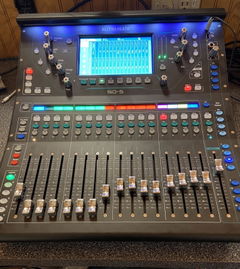


Allen and Heath Qu Series Video Tutorial (Qu-5, Qu-6, Qu-7)
Description
Learning how to take your Allen Heath Qu mixer(Qu-5, Qu-6, Qu-7) to the next level has never been easier thanks to the official Allen Heath Qu Series Video Tutorial.
ProAudioEXP.com's David Wills spends over 2 hours walking you through every feature of the Qu Series Mixers' workflow from Input Channels to Advance Routing with DCA groups and everything in between. Mixing 101 in the training uses easy to understand animations to teach you how a mixer works and how to use subgroups, EQ, Compression, Effects, Sidechains and Monitor Mixes...everything you'll need to know so you can mix like a pro.
If you have been getting frustrated trying to learn your Qu-5, Qu-6 or Qu-7 from just using the manual, then sit down, grab a cup of your favorite beverage and look over the shoulder of a professional audio engineer with 30 years in the business putting your Qu Series Mixer through its paces.
What's Included
INTRODUCTION
Differences between models
Front Panel overview
Rear Panel overview
Updating Firmware
Factory Reset
MIXING 101
What do Mixers Do?
What is the Signal Flow?
Subgroups
Aux Sends
Effect Routing
Pre-Fader vs. Post-Fader Aux Sends
The Frequency Spectrum
EQ Types
Dynamics Processing
Effects Types
INPUT CHANNEL
Signal flow
Processing
Naming Channels
Assigning Inputs
Setting Gain
Phantom power
Polarity
Delay
Trim
Auto Set and Auto Gain
Tube Stage Preamp
Gate
Insert
High Pass Filter
PEQ
Compressor
Delay Tab
Library
ROUTING
Mix Busses
Assigning Outputs
Building a Mix
Subgroups
Matrix Mixes
DCAs
EFFECTS
Effects Routing
Adding Effects
Effects Send PEQ
Effects Library
SHOWS, SCENES & LIBRARIES
Shows
Scenes
Cue List
Storing to USB
WORKFLOWS
Live Sound Workflow
Assigning Inputs
Setting Levels
Using Libraries
Setting up Monitors
Adding Effects
Recording to USB
Virtual Soundchecks
Using DCAs
Mute Groups
Softkeys
User Settings
Recording Workflow
Setting Outputs
DAW Workflow
MMC (MIDI Machine Control)
Controlling DAW from QU
Customer Reviews
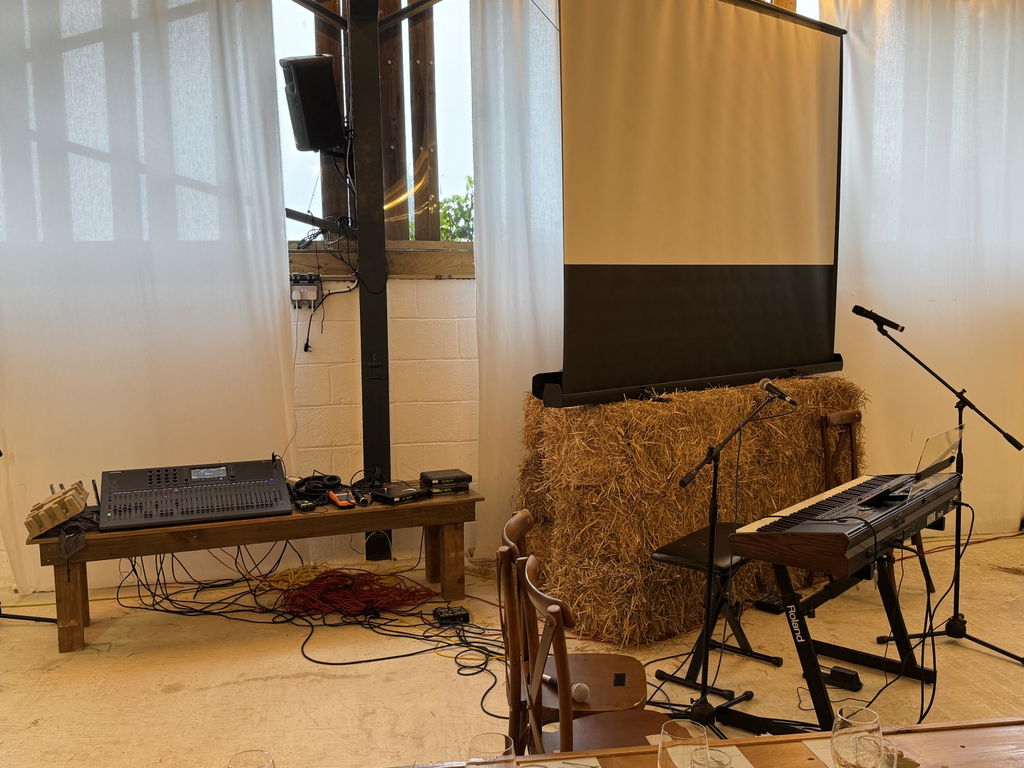
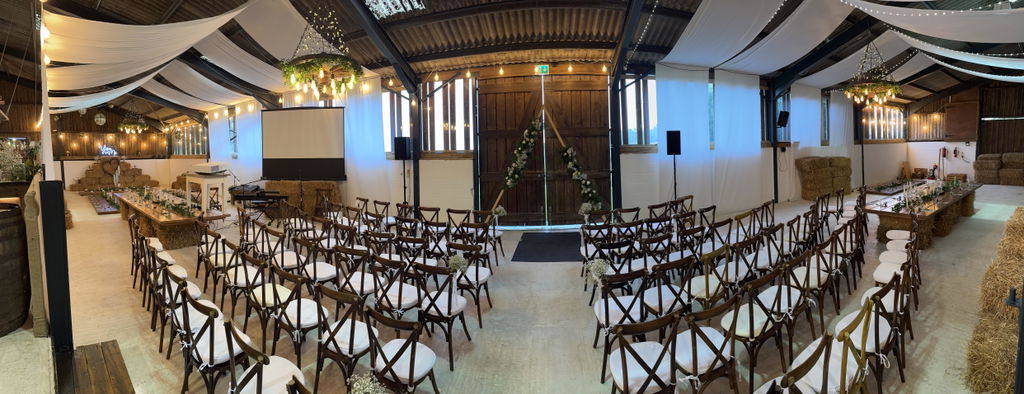
Great course to get you a jump start on the QU mixers. My use case was I purchased the mixer in order to provide sound at my daughters wedding. She had a worship band with keyboards, guitar, vocals and an electric violin, some background vocals music and radio microphones for the pastor and the wedding couple. I was very late deciding to get the QU7,
It arrived on a Saturday morning and we drove the the venue on the Monday 🤣. Be an away gig I needed to take all the kit and cables with
Me.
I have done sound before but only using basic analog mixers - the QU is a whole different beast.
With th le help of David’s video I was able together a decent setup and the wedding went without a hitch. I am sure I will continue to
Learn to get the best out of it.
The course was clear, easy to understand and extremely helpful! Thank you!
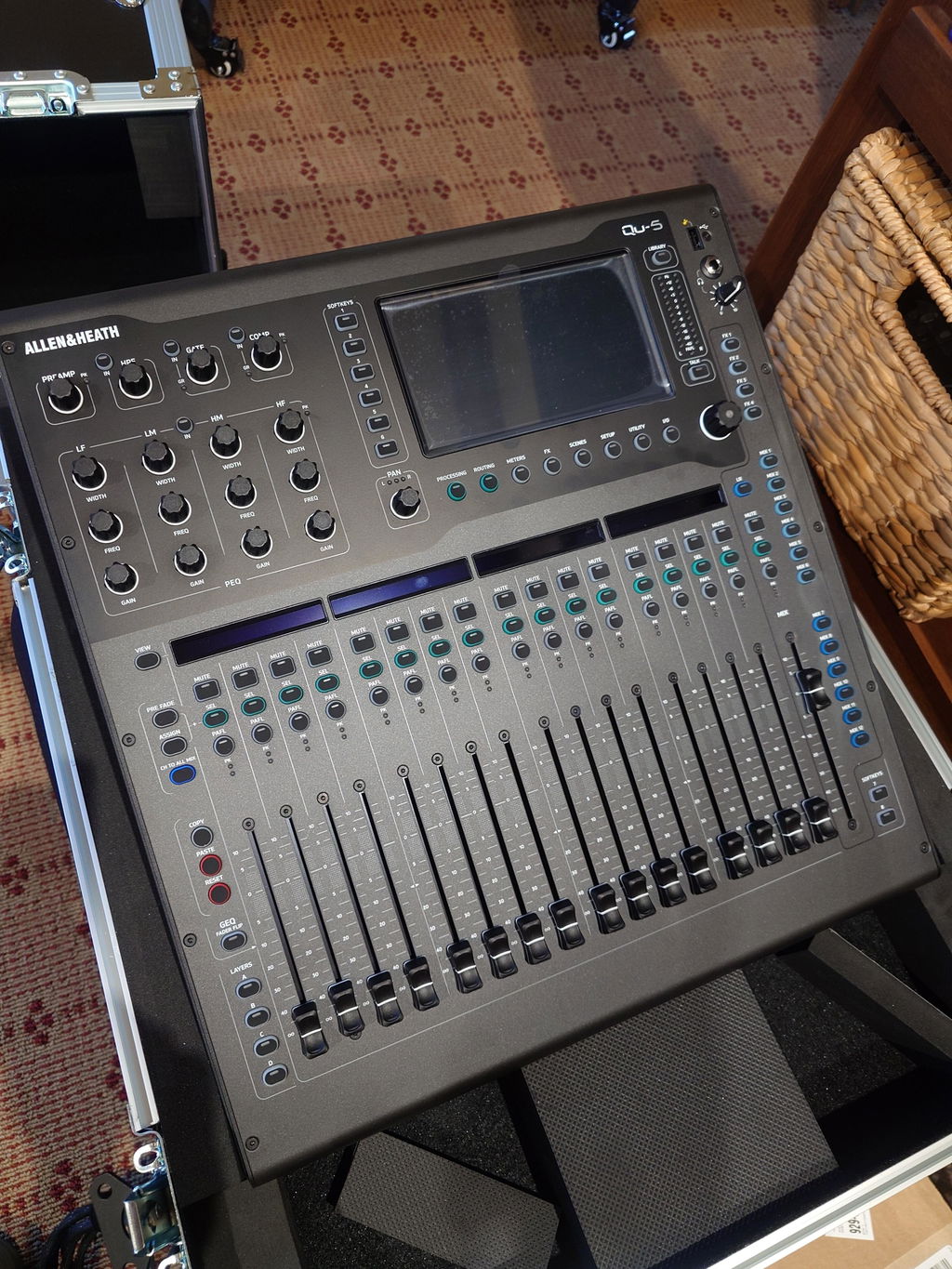
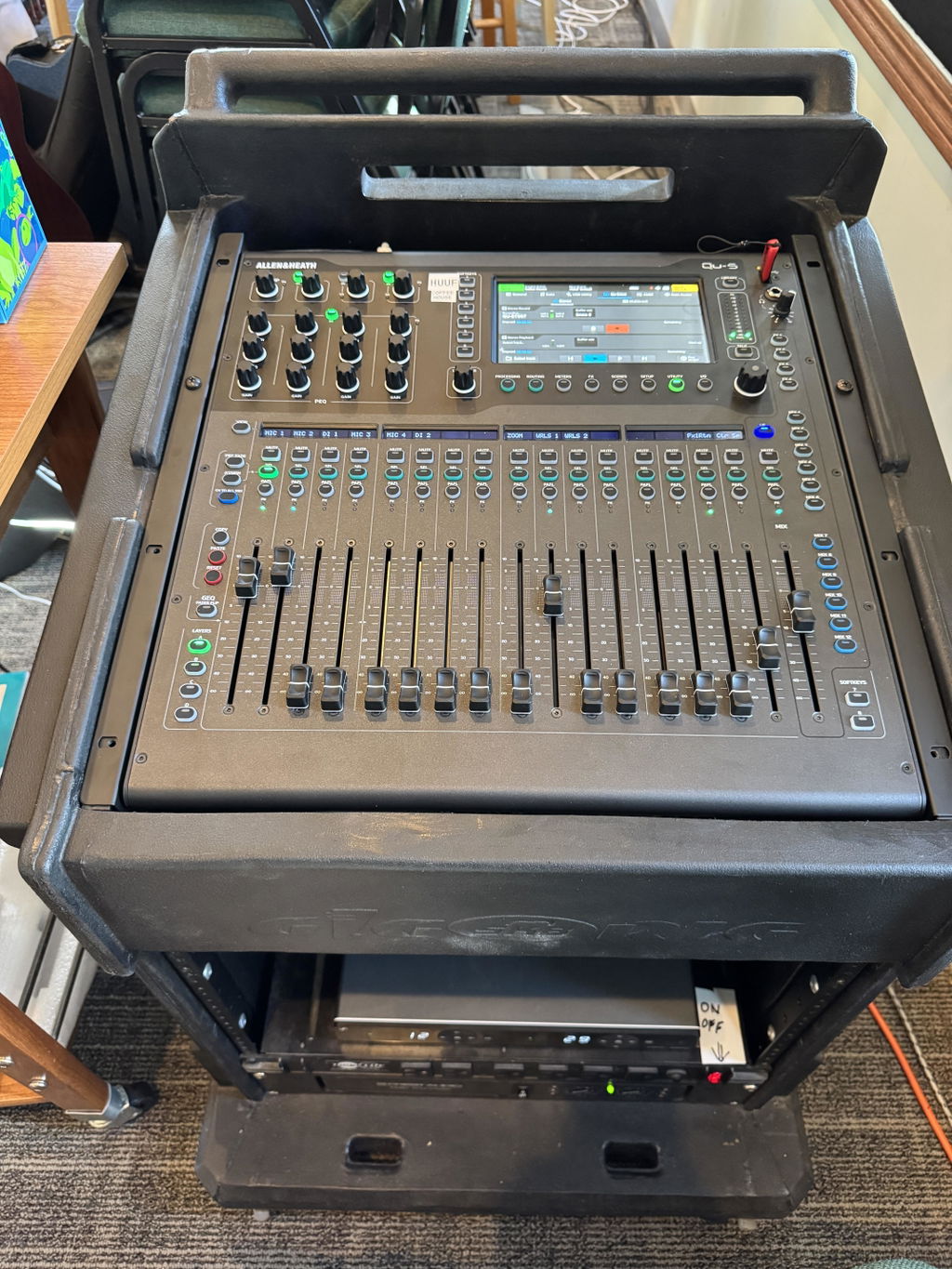
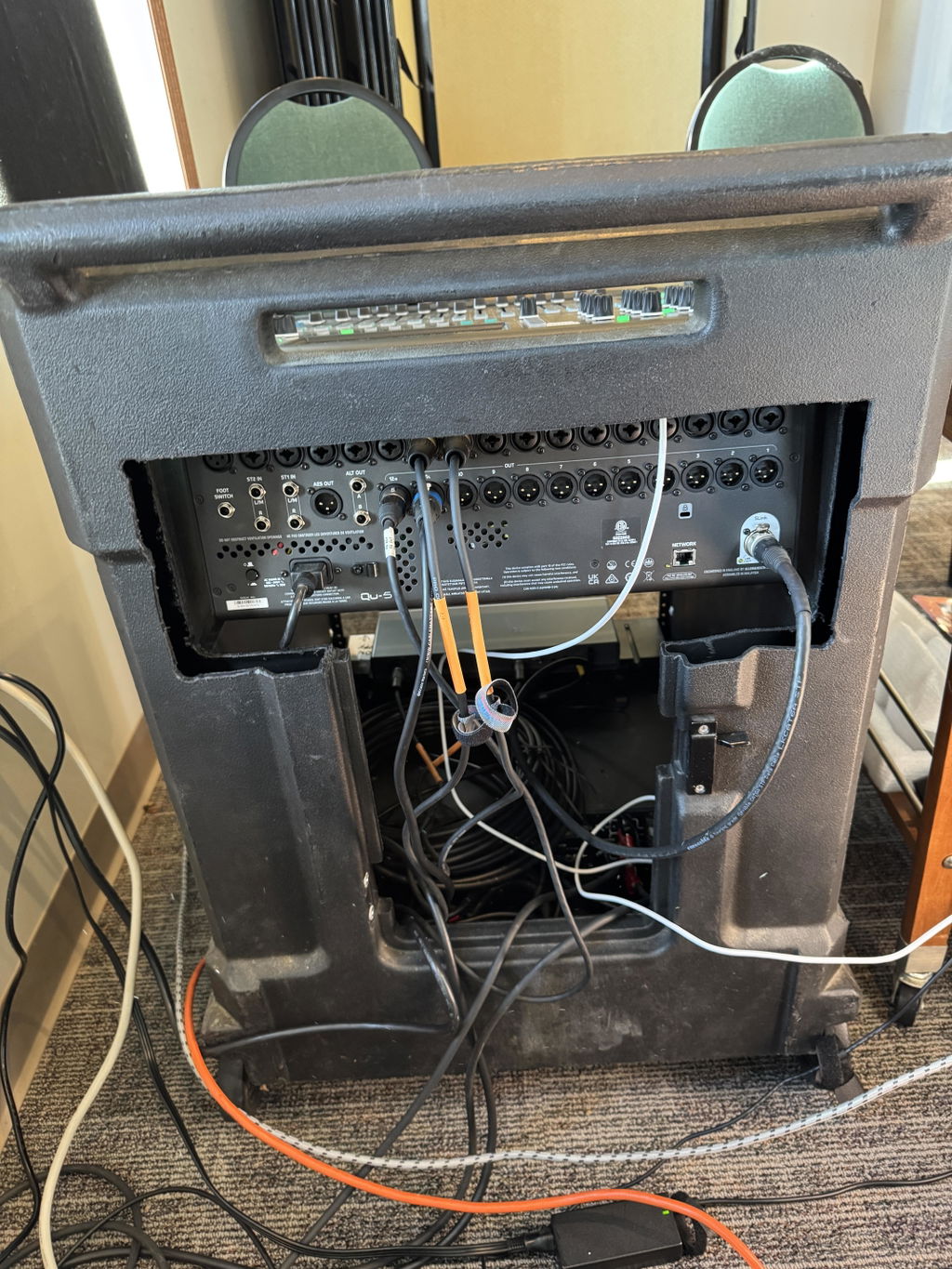
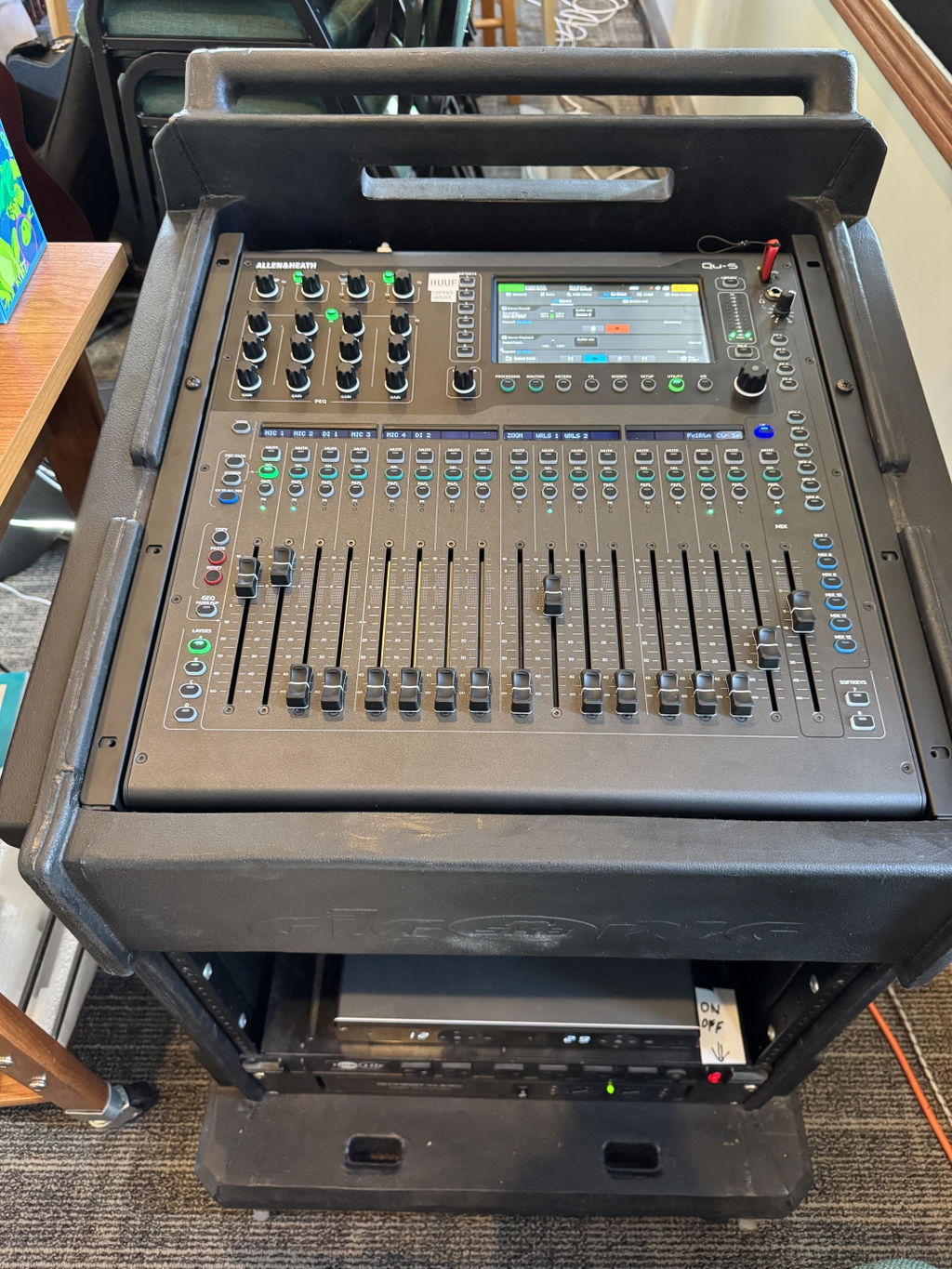
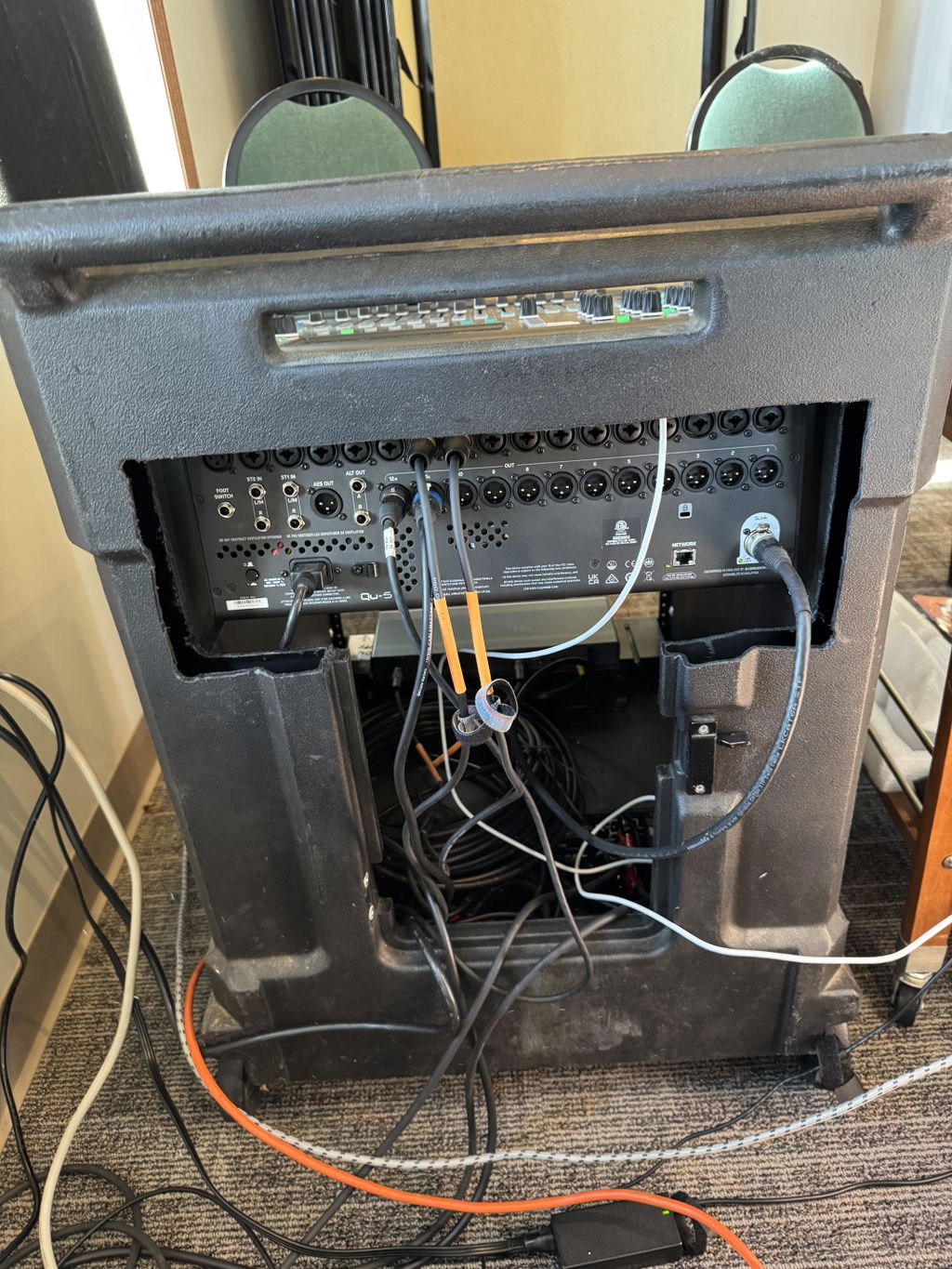
While familiar with the Yamaha QL5 digital desk, this video series helped get into the nuts and bolts of the QU5 setup. It seemed better than the Allen&Heath produced videos and felt well worth the cost. The photos show the QU5 in an older "Gig Rig" with some sawing of the back plastic to accommodate the I/O panel.
Great class. Very thorough and covered all the settings on the QU series of mixers. Way better than finding YouTube videos on how-tos or reviews.
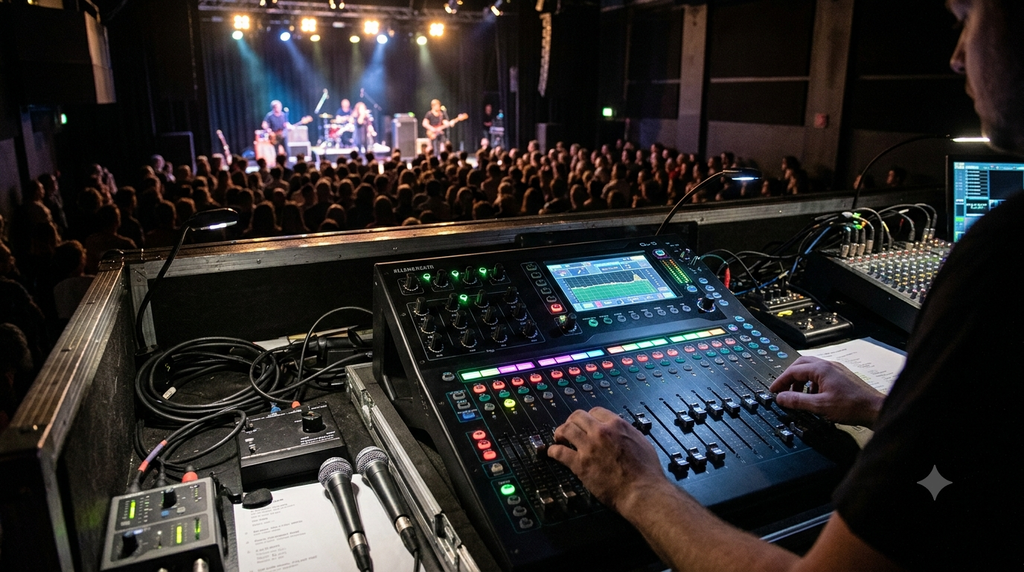
As a musician playing traditional Scottish music for Cèilidh dances with my band, the dubious honour of running the sound system and foldback falls to me whilst also playing and sometimes calling the dances. No mean feat and can be really stressful. We recently invested in a Qu-5 desk which is a thing of beauty!
Although I have over 20 years experience of running the old desk I thought it was a good opportunity to get down to brass tacks again and get a thorough understanding of the desk and process.
David’s modules are very accessible, and such an “easy listen” with the added benefits of bookmarks within each video allowing me to jump in and revisit any item that I want.
Such has been the benefit that I am now going to buy his “ultimate live school” and make those multi-tasking gig nights a pleasure again!