

Allen and Heath SQ+ Series Video Tutorial (SQ5+, SQ6+, SQ7+)
Description
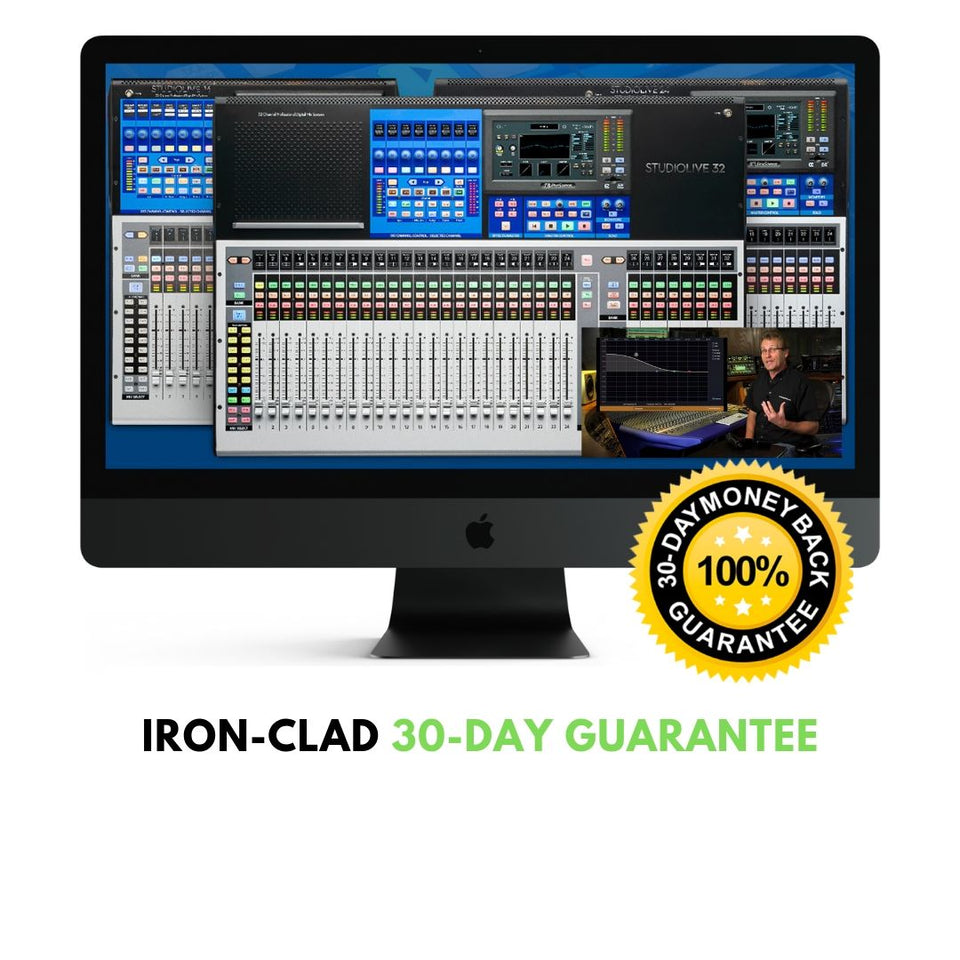
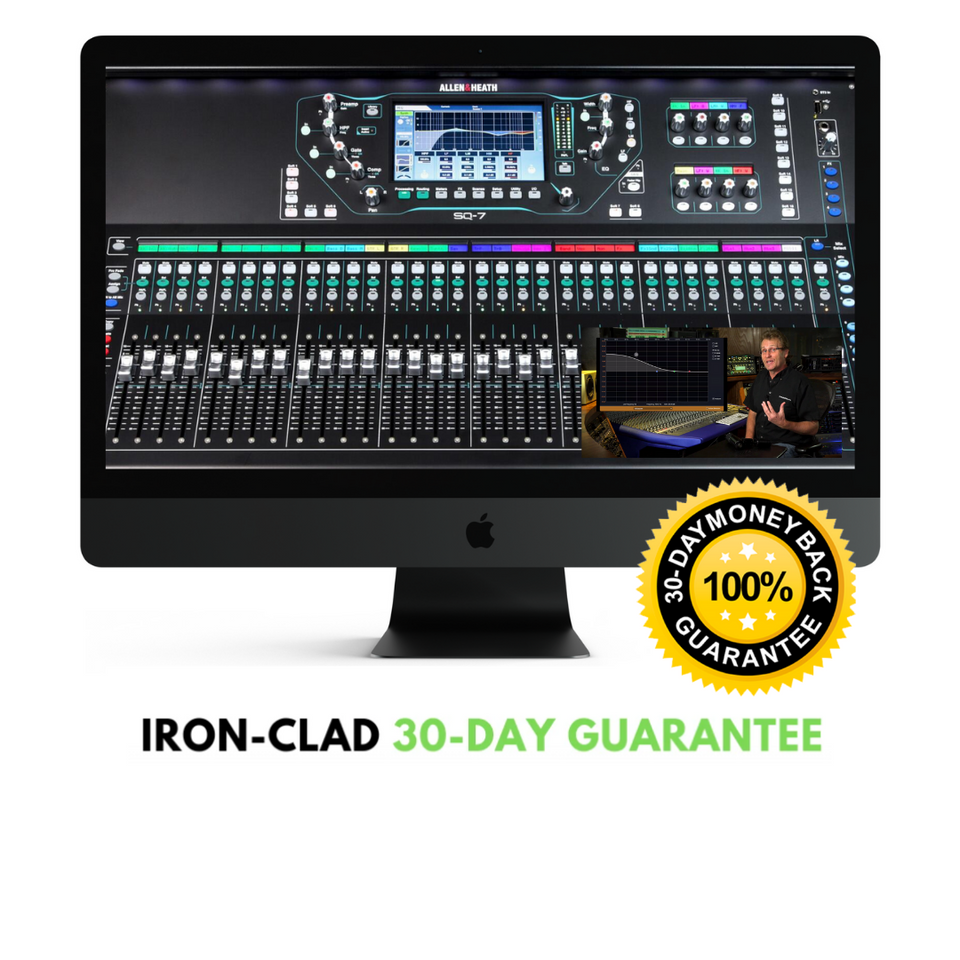
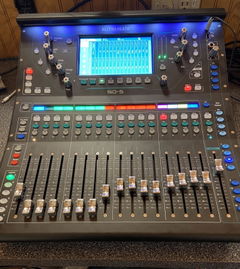
Learning how to take your Allen Heath SQ+ series mixer (SQ5+, SQ6+, SQ7+) to the next level has never been easier thanks to the official Allen Heath SQ+ Series Video Tutorial.
ProAudioEXP.com's David Wills spends over 2 hours walking you through every feature of the SQ+ Series Mixers' workflow from Input Channels to Advance Routing with DCA groups and everything in between. Mixing 101 in the training uses easy to understand animations to teach you how a mixer works and how to use subgroups, EQ, Compression, Effects, Sidechains and Monitor Mixes...everything you'll need to know so you can mix like a pro.
If you have been getting frustrated trying to learn your SQ5+, SQ6+ or SQ7+ from just using the manual, then sit down, grab a cup of your favorite beverage and look over the shoulder of a professional audio engineer with 30 years in the business putting your SQ+ Series Mixer through its paces.
What's Included
,
INTRODUCTION
Differences between models
Front Panel
Rear Panel
Updating Firmware
Backing up your Mixer
Factory Reset
MIXING 101
What do Mixers Do?
What is the Signal Flow?
Subgroups
Aux Sends
Effect Routing
Pre-Fader vs. Post-Fader Aux Sends
The Frequency Spectrum
EQ Types
Dynamics Processing
Effects Types
INPUT CHANNEL
Inputs to Outputs
Selecting Channels
Naming/Coloring Channels
Selecting Sources
Setting Levels
Phantom Power
Digital Trim
Polarity
Delay
Stereo Configuration
Tube Preamp Stage
HPF (High Pass Filter)
Insert
PEQ (Parametric EQ)
PEQ Example
Compressor
PAFL (Solo)
Using the Library
Copy/Paste/Reset
Soft Controls
ROUTING
Aux Mixes
Pre/Post Sends
Assign Button
Channel to All Mix
Aux Mix Processing
Graphic EQ
Groups
Group Processing
Matrix Mixes
Matrix Mix Processing
DCAs
DCA Spill
Ganging
EFFECTS
Effects Routing
Routing External Effects
Selecting/Editing Effects
Premium Effects
Graphic EQs
SHOWS/SCENES
Shows
Scenes
Filters
Cue Lists
Global Filters
WORKFLOWS
Live Workflow
Users
Assigning Inputs
I/O Settings
Setting Levels
Naming/Coloring Channels
Naming Outputs
Using the Library
Setting up DCAs
Mute Groups
Custom Layer
Mixing Monitors
Setting up Effects
Using Scenes
Using Soft Controls
Using Talkback
Using AMM
Using a Tablet (MixPad)
Using a Phone (Mix4U)
Recording Workflow
Using with a DAW
GRADUATION!